Documentation System
Give your AI agents instant access to your playbooks, specs, and reference docs. Drop markdown files in a folder — they're immediately searchable. No build step.
Your agents stop guessing. They read your actual documentation.
# what_it_looks_like
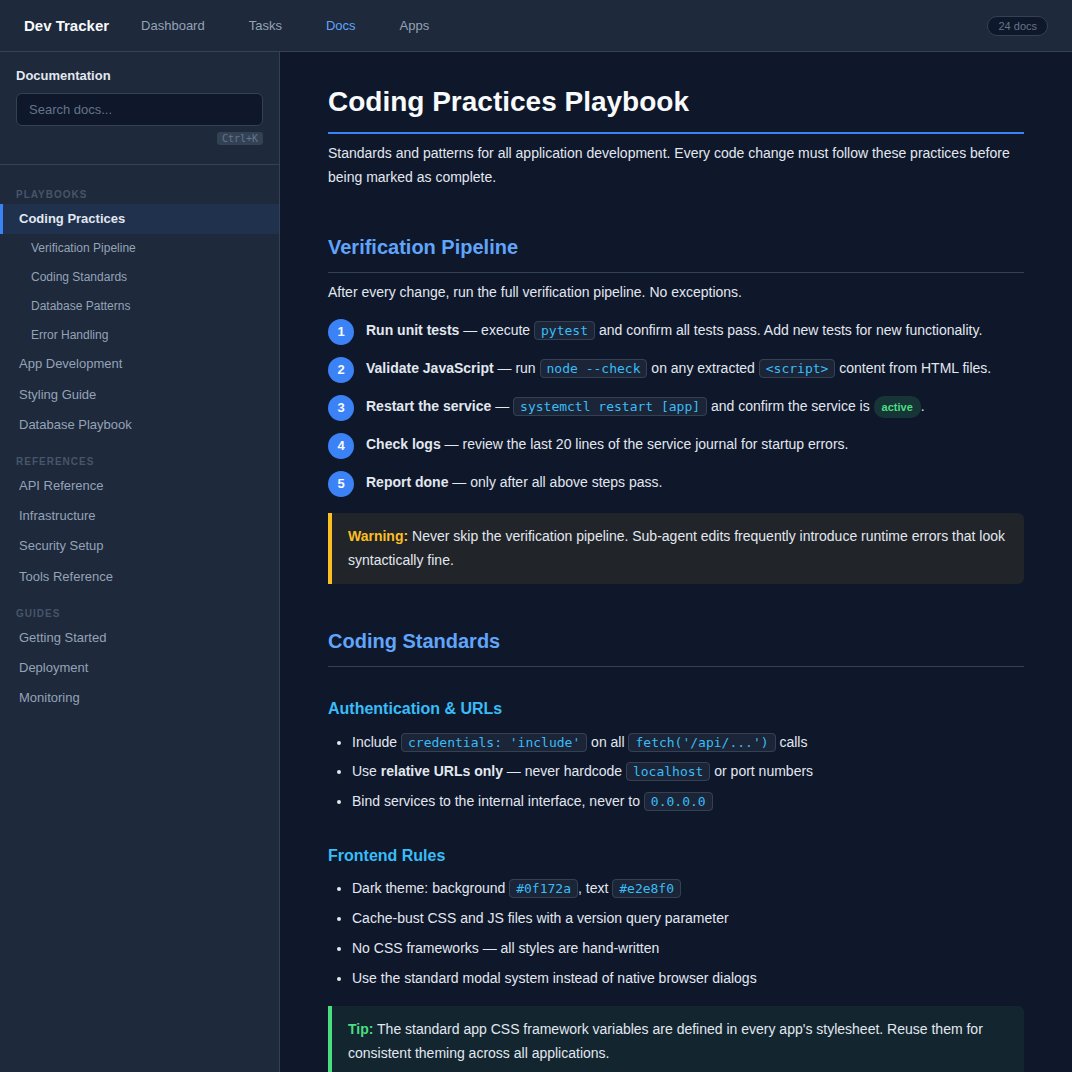
Dark-themed viewer with sidebar navigation, category grouping, and full-text search (Ctrl+K).
# how_it_works
Write markdown files
Create .md files — playbooks, specs, guides, runbooks.
Use standard markdown with H1 title, first paragraph as description, and H2/H3 for sections.
Drop them in a directory
Put your docs in one or two directories. The system scans them on startup and auto-categorises by filename pattern (playbook, spec, guide, runbook, review).
Agents search and read
Agents use simple commands to find and read docs. The system serves them through an API — list, search, read by slug, refresh.
# agent_commands
Add these commands to your agent's instructions. They work from any terminal.
# List all docs
docs.sh list

# Search across all docs
docs.sh search "database migration"

# Read a specific doc
docs.sh read coding-practices-playbook

# Refresh after editing a file
docs.sh refresh
# features
# quick_start
The documentation system is a lightweight Python module. It scans markdown directories and serves them through a REST API that your agents can query.
# The doc handler is a Python module you add to any FastAPI app.
# It scans directories, auto-categorises docs, and serves an API:

GET /api/docs          # List all documents
GET /api/docs/{slug}   # Read a document
POST /api/docs/refresh # Reload after edits

# Or use the CLI wrapper for agent access:
docs.sh list
docs.sh search "database migration"
docs.sh read coding-practices-playbook
No external dependencies. Works with any Python web app. Full source in the Claw Recall repository.
# works_with
Pair with Claw Recall for a complete agent knowledge system — conversations in Recall, documentation in the docs viewer. Your agents have both memory and reference material.
Claw Recall →